Managing compliance manually becomes difficult as organisations grow across multiple locations, States, employees, contractors, vendors and statutory obligations. Spreadsheets, emails and shared folders often lead to missed deadlines, incomplete documentation, delayed approvals and poor visibility.
An Automated Compliance Software Tool helps businesses digitise and automate recurring compliance activities through one centralised platform.
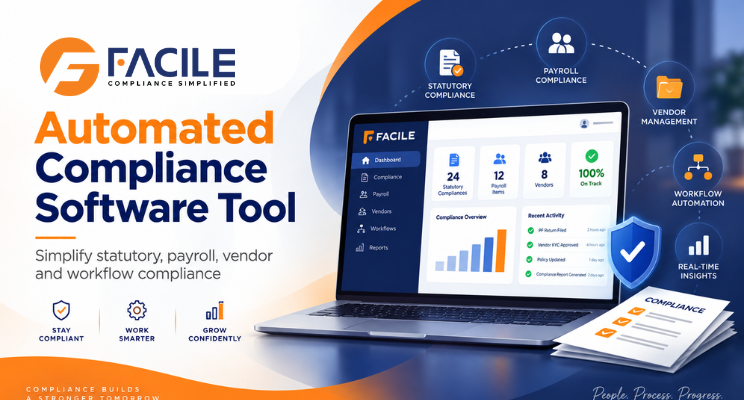
It can support statutory compliance, payroll compliance, licences, registers, returns, contractor compliance, vendor compliance, audits, risks, corrective actions and management dashboards.
What is an Automated Compliance Software Tool?
An Automated Compliance Software Tool is a digital platform that helps organisations automate compliance monitoring, task assignment, reminders, approvals, documentation and reporting.
It can help manage:
- Compliance calendars
- Due dates
- Statutory obligations
- Payroll compliance
- Minimum wages
- EPF
- ESIC
- Professional Tax
- Labour Welfare Fund
- Licences and registrations
- Statutory registers
- Statutory returns
- Contractor compliance
- Vendor compliance
- Compliance audits
- Audit observations
- Corrective actions
- Risk monitoring
- Multi-state compliance
- Multi-location compliance
- Dashboards and reports
The main objective is to reduce repetitive manual work and improve compliance visibility.
Why Businesses Need Automated Compliance Software
Manual compliance tracking can create issues such as:
- Missed statutory deadlines
- Expired licences
- Delayed returns
- Missing documents
- Incorrect payroll compliance
- Minimum wage gaps
- Contractor non-compliance
- Vendor compliance issues
- Pending audit observations
- Overdue corrective actions
- Weak escalation
- Limited management visibility
Automation helps businesses monitor these activities more consistently.
Key Features of Automated Compliance Software Tool
1. Automated Compliance Calendar
The system should automatically create compliance activities based on:
- Applicable law
- State
- Location
- Frequency
- Compliance period
- Due date
This reduces manual calendar maintenance.
2. Automated Task Assignment
Compliance tasks can be assigned to:
- HR
- Payroll
- Compliance teams
- Legal teams
- Finance teams
- Factory teams
- Contractors
- Vendors
This improves accountability.
3. Due-Date Reminders
The platform can automatically send reminders for:
- Upcoming compliance
- Payments
- Returns
- Licence renewals
- Document submissions
- Audit actions
4. Escalation Automation
If a compliance task remains incomplete, the system can escalate it to:
Task Owner → Manager → Compliance Head → Senior Management
This reduces delays.
5. Compliance Applicability Mapping
The platform can help determine applicable requirements based on:
- State
- Location
- Industry
- Establishment type
- Factory status
- Employee strength
- Contractor workforce
6. Multi-State Compliance Automation
Businesses operating across multiple States may need to manage:
- Minimum wages
- PT
- LWF
- Shops and Establishments requirements
- State licences
- Registers
- Returns
- Holidays
A central tool can manage these State-wise.
7. Multi-Location Compliance Automation
The system can monitor compliance across:
- Branches
- Offices
- Factories
- Warehouses
- Project sites
- Business units
8. Payroll Compliance Automation
The software can help validate:
- Attendance
- Minimum wages
- EPF
- ESIC
- PT
- LWF
- Overtime
- Payslips
- Wage registers
- Bank payment proof
9. Minimum Wage Automation
The platform can compare employee wages against applicable rates based on:
- State
- Zone
- Industry
- Skill category
- Designation
- Effective date
10. EPF Compliance Automation
The system can help monitor:
- UAN
- PF wages
- Employee contribution
- Employer contribution
- ECR
- Challan
- Payment proof
11. ESIC Compliance Automation
The tool can monitor:
- ESIC number
- Eligibility
- ESIC wages
- Employee contribution
- Employer contribution
- Challan
- Payment status
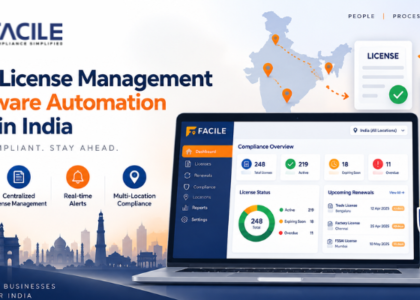
12. Licence Management Automation
The platform should track:
- Licence number
- Issue date
- Expiry date
- Renewal date
- Location
- Responsible owner
- Renewal status
- Supporting documents
13. Statutory Register Automation
The system can support registers such as:
- Attendance register
- Wage register
- Employee register
- Leave register
- Overtime register
- Contractor register
14. Statutory Return Automation
The software can track:
- Return type
- Filing period
- Due date
- Filing date
- Filing status
- Acknowledgement
15. Contractor Compliance Automation
The platform can monitor:
- Contractor onboarding
- Labour licences
- Employee records
- Attendance
- Payroll
- Minimum wages
- EPF
- ESIC
- Payslips
- Payment proof
- Registers
- Returns
16. Vendor Compliance Automation
Vendor-related workflows can include:
- Vendor onboarding
- Document collection
- Licence tracking
- Contract monitoring
- Payroll compliance
- Audits
- Risk scoring
- Corrective actions
17. Compliance Document Management
A central repository can store:
- Registrations
- Licences
- Returns
- Challans
- Registers
- Payslips
- Contractor documents
- Vendor documents
- Audit evidence
18. Automated Compliance Audits
The software can support digital audit checklists covering:
- Payroll
- Contractors
- Vendors
- Licences
- Registers
- Returns
- Factory compliance
- Establishment compliance
19. Automated Audit Observations
When a compliance check fails, the system can create an observation with:
- Compliance category
- Location
- Risk level
- Responsible person
- Due date
- Corrective action
20. Corrective Action Automation
A structured workflow can follow:
Observation → Action Assigned → Evidence Submitted → Verification → Closure
21. Compliance Risk Monitoring
Risks can be classified as:
Risk factors can include:
- Missed deadlines
- Licence expiry
- Payroll gaps
- Contractor issues
- Vendor issues
- Open audit observations
- Overdue actions
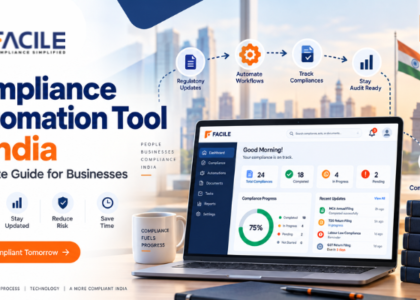
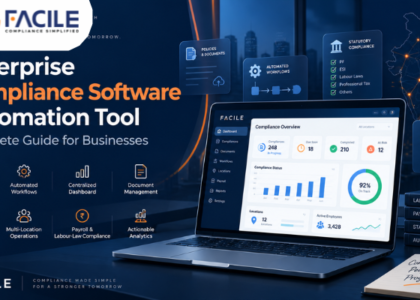
22. Automated Compliance Dashboard
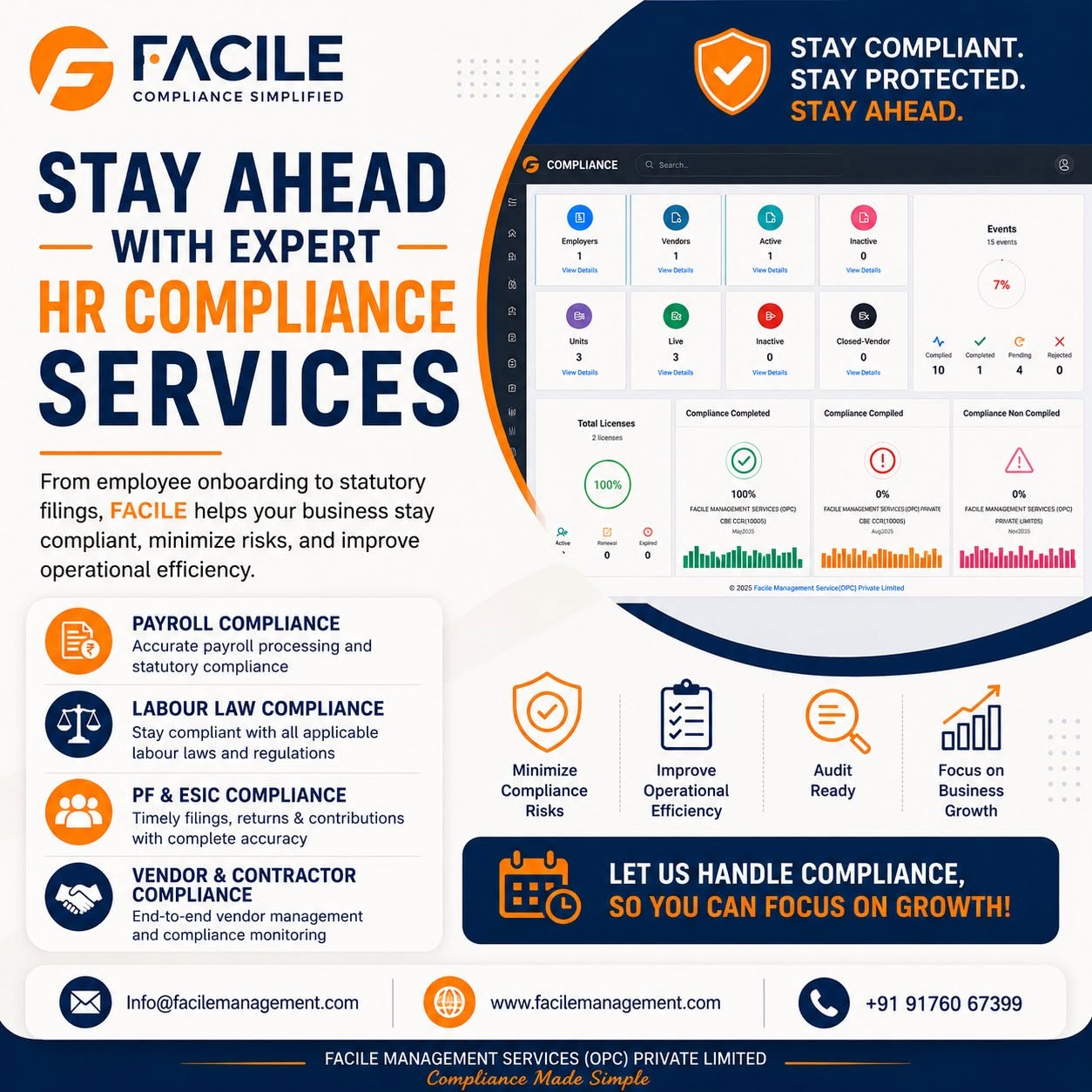
A central dashboard can show:
- Total compliances
- Completed activities
- Pending tasks
- Overdue activities
- Expiring licences
- Payroll compliance status
- Contractor compliance
- Vendor compliance
- Audit observations
- High-risk items
- Corrective actions
- Compliance score
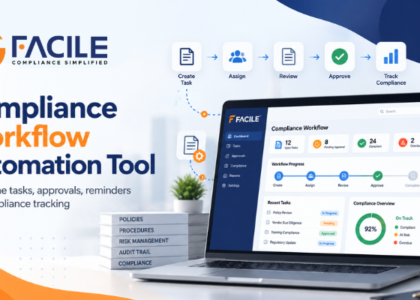
Automated Compliance Workflow
A typical workflow can look like:
Applicability → Task Creation → Assignment → Reminder → Submission → Review → Approval → Audit → Corrective Action → Closure
This creates a structured compliance lifecycle.
Benefits of Automated Compliance Software
Reduced Manual Work
Automation reduces dependency on spreadsheets and email reminders.
Better Due-Date Control
Automated notifications help prevent missed deadlines.
Improved Accuracy
Rule-based checks improve consistency.
Better Audit Readiness
Documents, actions and approvals remain traceable.
Stronger Accountability
Every task can have an owner and due date.
Better Risk Visibility
High-risk issues can be highlighted earlier.
Multi-State Control
State-specific compliance can be monitored centrally.
Multi-Location Visibility
Management can compare compliance performance across units.
Automated Compliance Software for Growing Businesses
As organisations expand, compliance can grow across:
Employees → Locations → States → Contractors → Vendors → Laws → Audits → Risks
An automated compliance platform helps bring these areas together.
Automated Compliance Software Checklist
Businesses should evaluate whether the software supports:
- Applicability mapping
- Compliance calendars
- Automated task creation
- Due-date alerts
- Escalations
- Payroll compliance
- Minimum wages
- EPF
- ESIC
- PT
- LWF
- Licences
- Registers
- Returns
- Contractors
- Vendors
- Audits
- Corrective actions
- Risk management
- Dashboards
- Reports
- Audit trails
Who Can Use Automated Compliance Software?
It can be useful for:
- Large enterprises
- SMEs
- Manufacturing companies
- Factories
- IT companies
- Retail businesses
- Logistics companies
- Warehouses
- Construction companies
- Healthcare organisations
- Staffing companies
- Facility management companies
- Multi-state businesses
- Multi-location organisations
- HR teams
- Payroll teams
- Compliance teams
- Legal teams
- Audit teams
- Procurement teams
- Senior management
How FACILE ONE Helps With Compliance Automation
FACILE ONE can help organisations automate and centralise compliance management.
Businesses can use FACILE ONE to support:
- Statutory compliance
- Payroll compliance
- Compliance calendars
- Multi-state compliance
- Multi-location compliance
- Contractor compliance
- Vendor compliance
- Licence management
- Statutory registers
- Statutory returns
- Audit observations
- Corrective actions
- Risk monitoring
- Centralized dashboards
- Reports and audit trails
Why Choose FACILE ONE?
Compliance automation requires coordination between HR, payroll, legal, compliance, contractors, vendors and management.
FACILE ONE helps bring these activities into one digital workflow.
Key capabilities include:
- Automated compliance tracking
- Alerts and escalations
- Payroll and statutory validation
- Multi-state and multi-location monitoring
- Contractor and vendor compliance
- Licence tracking
- Audit workflows
- Corrective-action monitoring
- Risk management
- Dashboards and reports
How to Choose the Best Automated Compliance Software Tool
Businesses should evaluate whether the platform provides:
- Workflow automation
- Configurable compliance rules
- Automated reminders
- Escalations
- Role-based access
- Multi-state support
- Multi-location support
- Payroll validation
- Contractor monitoring
- Vendor monitoring
- Licence tracking
- Audit workflows
- Risk scoring
- Corrective actions
- Dashboards
- Audit trails
The software should help answer:
What is applicable? What is due? What is overdue? Where is the risk? Who owns the task? Has the issue been resolved?
Conclusion
An Automated Compliance Software Tool helps businesses replace fragmented manual compliance tracking with a more structured and scalable digital approach.
By automating compliance calendars, statutory activities, payroll validation, licences, contractors, vendors, audits and corrective actions, organisations can improve visibility and strengthen governance.
For businesses operating across multiple States and locations, FACILE ONE can help build a more efficient and audit-ready compliance framework.
Frequently Asked Questions – Automated Compliance Software Tool
1. What is Automated Compliance Software?
It is software used to automate compliance tasks, due dates, reminders, approvals, audits and reporting.
2. Why do businesses need automated compliance software?
It reduces manual tracking and helps organisations monitor statutory activities more consistently.
3. Can compliance tasks be generated automatically?
Yes. Tasks can be created based on applicability, frequency and due dates.
4. Can the system send automatic reminders?
Yes. Alerts can be sent for upcoming, pending and overdue tasks.
5. Can overdue tasks be escalated?
Yes. Escalation workflows can route overdue activities to higher management levels.
6. Can it manage multi-state compliance?
Yes. State-specific requirements can be managed through one platform.
7. Can it manage multiple business locations?
Yes. Branches, factories, warehouses and offices can be monitored centrally.
8. Can it automate payroll compliance?
Yes. Attendance, minimum wages, EPF, ESIC, PT, LWF and related records can be validated.
9. Can it automate licence management?
Yes. Licence validity, expiry alerts and renewals can be monitored.
10. Can it manage contractor compliance?
Yes. Contractor licences, employee records, payroll and statutory documents can be tracked.
11. Can it manage vendor compliance?
Yes. Vendor onboarding, documents, audits, risks and corrective actions can be managed.
12. Can it automate audits?
Yes. Digital checklists, observations and corrective-action workflows can be supported.
13. Can it monitor compliance risk?
Yes. Risks can be classified and tracked based on severity and status.
14. Can it maintain audit trails?
Yes. User actions, approvals, document submissions and closures can be recorded.
15. Can management see a centralized dashboard?
Yes. Dashboards can provide enterprise, State, unit, contractor and vendor views.
16. Can FACILE ONE automate compliance?
Yes. FACILE ONE can support statutory compliance, payroll, licences, contractors, vendors, audits, risks and dashboards.