Businesses increasingly depend on vendors, contractors, suppliers, manpower agencies, security agencies, housekeeping providers, transport companies and other third-party service providers.
Managing the compliance of these external parties can become challenging when information is spread across spreadsheets, emails, shared folders and physical documents.
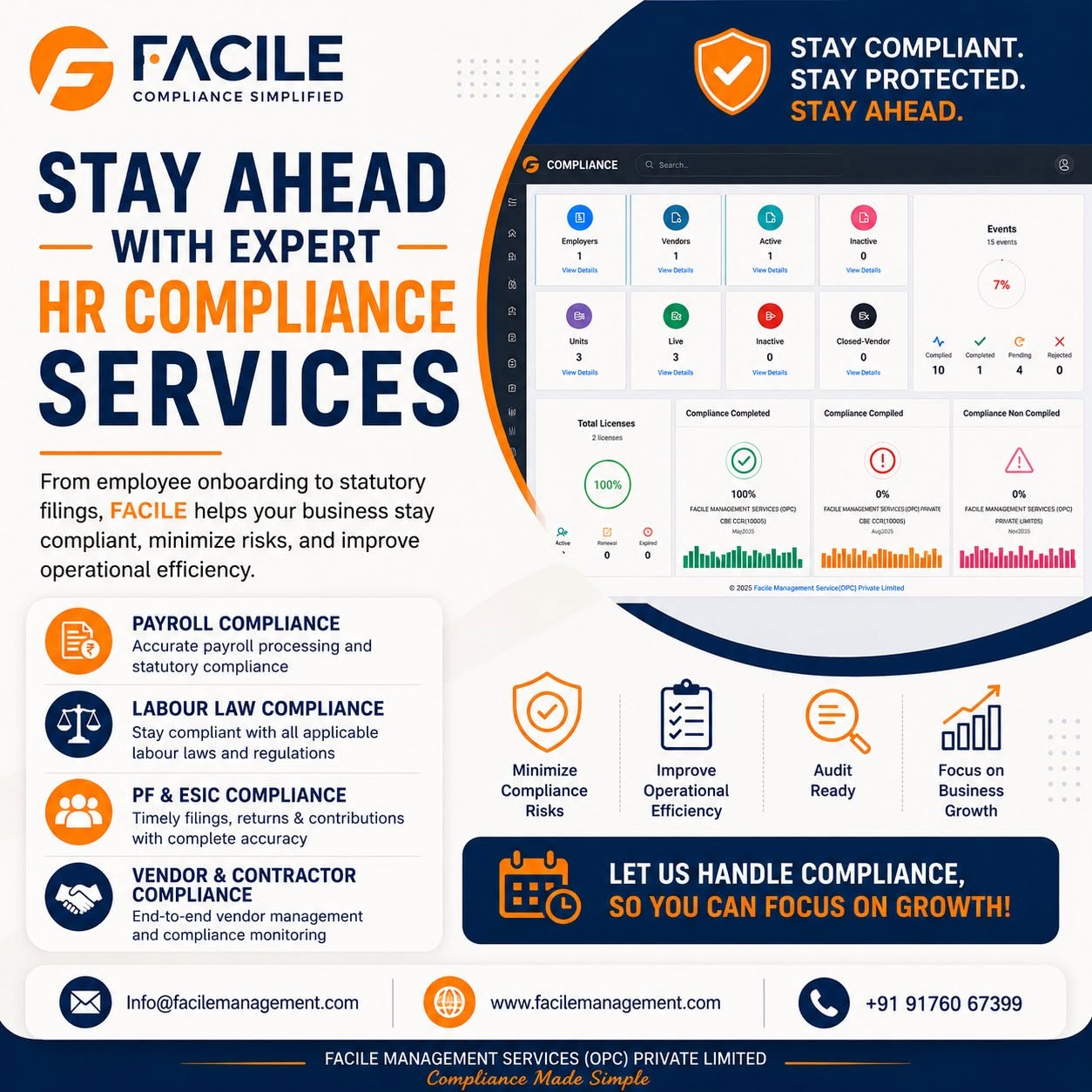
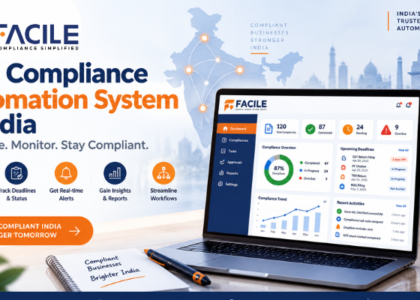
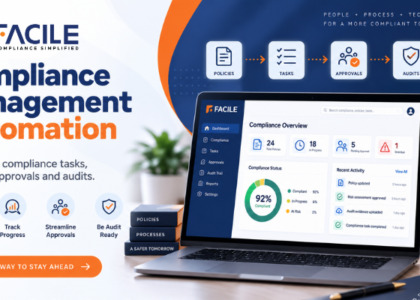
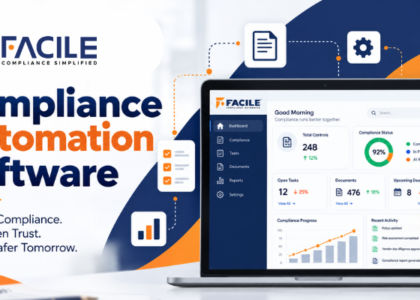
Vendor compliance software provides a centralized digital platform to collect vendor information, manage documents, monitor compliance status, track expiry dates, conduct audits and follow up on corrective actions.
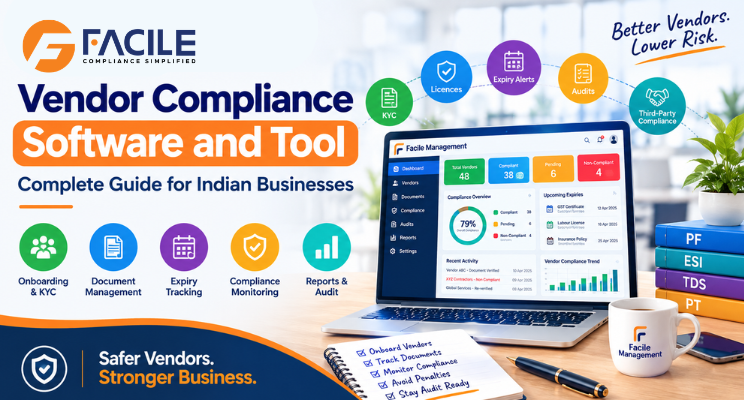
Modern vendor compliance platforms commonly focus on activities such as vendor onboarding, document collection, expiry monitoring, compliance dashboards, reminders, approvals and audit readiness.
Vendor compliance software is a digital tool that helps organizations manage and monitor the compliance requirements of vendors, suppliers and contractors.
It can help businesses manage the complete vendor compliance lifecycle:
Vendor Onboarding → Document Collection → Verification → Approval → Monitoring → Audit → Renewal → Compliance Status
Instead of maintaining separate spreadsheets for each vendor, businesses can centralize vendor information and compliance records in one system.
Organizations may work with dozens or hundreds of vendors across different locations.
These vendors may need to provide documents and records such as:
Manual follow-ups can become difficult as the vendor network expands.
A centralized system can provide better visibility into which vendors are compliant, which documents are missing, which documents are expiring and which corrective actions are pending.
A vendor compliance tool can create a structured onboarding process.
Businesses can collect:
A standardized onboarding workflow helps ensure required information is collected before a vendor becomes active.
Instead of storing documents across email accounts and folders, organizations can maintain vendor documents in a centralized repository.
Documents can be categorized according to:
This makes it easier to retrieve evidence during audits and reviews.
Vendor documents often have validity or renewal dates.
The software can monitor expiry dates and provide reminders before documents expire.
A typical workflow can be:
Document Uploaded → Expiry Date Recorded → Reminder → Renewal Request → New Document → Verification → Approval
Expiry tracking is one of the common capabilities emphasized by current vendor compliance platforms.
Vendor compliance is especially important when vendors provide contract labour.
A contractor compliance module can help track:
This gives the principal employer greater visibility into third-party workforce compliance.
A dashboard can show the compliance position of every vendor.
For example:
| Vendor | Compliance Status | Documents | Expiry | Action |
|---|---|---|---|---|
| Vendor A | Compliant | Complete | Valid | No Action |
| Vendor B | Pending | 1 Missing | Valid | Follow Up |
| Vendor C | At Risk | Complete | Expiring | Renew |
| Vendor D | Non-Compliant | 2 Missing | Expired | Corrective Action |
This allows teams to prioritize high-risk vendors.
Automated notifications can be used for:
This reduces the need for repeated manual email follow-ups.
Organizations can create a compliance score based on their internal requirements.
For example:
Vendor Compliance Score = Documents + Statutory Records + Audit Findings + Expiry Status + Corrective Actions
A dashboard can then categorize vendors as:
This provides management with a quick overview of vendor risk.
Vendor audits can be organized through predefined checklists.
The audit process can include:
Current vendor audit platforms commonly include audit scheduling, checklists, vendor repositories, dashboards and corrective-action tracking.
For applicable vendors and contractors, businesses can monitor statutory compliance information.
Depending on the organization’s requirements, this may include:
The exact requirements should be configured according to the vendor’s activities, location and applicable laws.
Finding a compliance gap is only the first step.
The system should also allow businesses to track:
Finding → Responsible Person → Due Date → Corrective Action → Evidence → Verification → Closure
This creates accountability and provides an audit trail.
Management may require reports showing:
Reports can help management identify recurring risks and prioritize follow-ups.
A centralized system can maintain a record of vendor compliance activities, including:
This can help create traceability during internal and external reviews.
| Manual Vendor Tracking | Vendor Compliance Software |
|---|---|
| Excel spreadsheets | Centralized vendor dashboard |
| Email follow-ups | Automated notifications |
| Scattered documents | Centralized document repository |
| Manual expiry checks | Expiry alerts |
| Difficult vendor comparison | Vendor compliance scores |
| Manual audit tracking | Digital audit workflows |
| Difficult corrective-action tracking | Action tracking |
| Manual reports | Automated reports |
| Limited visibility | Real-time compliance status |
All important vendor compliance information can be organized in one place.
Management can quickly identify compliant, pending and high-risk vendors.
Automated reminders can reduce repetitive email and phone follow-ups.
Teams can track required documents and their validity.
Vendor records, audit findings and supporting documents can be organized for review.
Expired documents, missing records and unresolved observations can be highlighted.
Procurement, HR, operations and compliance teams can work from a common vendor record.
Vendor compliance tools can be useful for:
They are especially useful for organizations managing a large number of external vendors or contractors.
Vendor compliance is not only an HR responsibility.
Different departments may interact with vendors at different stages.
Onboard → Collect documents → Approve vendor
Verify → Monitor → Audit → Correct
Track site/vendor status → Manage ongoing requirements
Review dashboards → Identify risk → Take action
A centralized platform connects these activities into one workflow.
Before selecting a vendor compliance solution, businesses should evaluate:
For Indian organizations, vendor compliance can involve both organizational requirements and applicable statutory obligations.
Therefore, a useful vendor compliance platform should allow businesses to configure requirements based on:
This is particularly important for organizations working with contractors across multiple locations.
Facile Management can help organizations digitize vendor compliance processes through a centralized platform.
Businesses can use a vendor compliance workflow to:
Onboard → Verify → Monitor → Audit → Track → Report
Key areas can include:
The goal is to provide organizations with better visibility and control over their third-party compliance processes.
Vendor compliance software helps organizations move away from fragmented spreadsheets, emails and manual follow-ups toward a centralized digital compliance process.
From vendor onboarding and document collection to compliance monitoring, expiry alerts, audits, corrective actions and reporting, a dedicated vendor compliance tool can improve visibility and operational control.
For organizations managing multiple vendors and contractors, the goal is simple:
Facile Management — Simplifying HR & Payroll.
Vendor compliance software is a digital platform that helps businesses manage vendor information, documents, compliance requirements, expiry dates, audits, corrective actions and reports.
A vendor compliance tool provides features for collecting, verifying, monitoring and reporting vendor compliance information through a centralized system.
Organizations managing multiple suppliers, contractors, manpower agencies, service providers or other third parties can benefit from vendor compliance software.
Yes. A suitable system can record document validity dates and send reminders for upcoming expiries and renewals.
Yes. Contractor compliance modules can manage contractor documents, licences, workforce records, statutory information, audits and corrective actions.
Depending on the platform, PF and ESI-related vendor or contractor records and compliance activities can be monitored and reported.
Yes. Vendor audit functionality can support checklists, document verification, audit findings, corrective actions and audit reports.
It can centralize documents, automate reminders, track expiry dates, manage workflows and generate reports, reducing repetitive spreadsheet and email-based processes.
Yes. Multi-location functionality can help organizations monitor vendors and contractors across different offices, plants, projects or sites.
Vendor management covers the broader vendor relationship, such as contracts, procurement and performance. Vendor compliance management focuses specifically on whether vendors meet required statutory, contractual, documentation and organizational compliance requirements.
The exact document list depends on the business and vendor type. It can include licences, registrations, insurance, statutory records, contracts, certificates, payroll-related records and other required evidence.
Facile Management can help organizations centralize vendor compliance activities, monitor documents and licences, track compliance status, manage audits, follow up on exceptions and maintain audit-ready records.

Facile Management Services (OPC) Private Limited is committed to delivering seamlessly integrated HR and compliance solutions designed for the evolving